July 9, 2026 · By Vladimir
QR Code Menu: How It Works and How to Set One Up
The season changes, three prices move, and forty laminated menus go in the bin. This is usually the moment a QR code menu starts to make sense: change the dish once, and every table sees the new version immediately.
This guide covers what a QR code menu is, how it works, what it costs, when paper is still the better choice, and how to set one up in five steps.
What is a QR code menu?
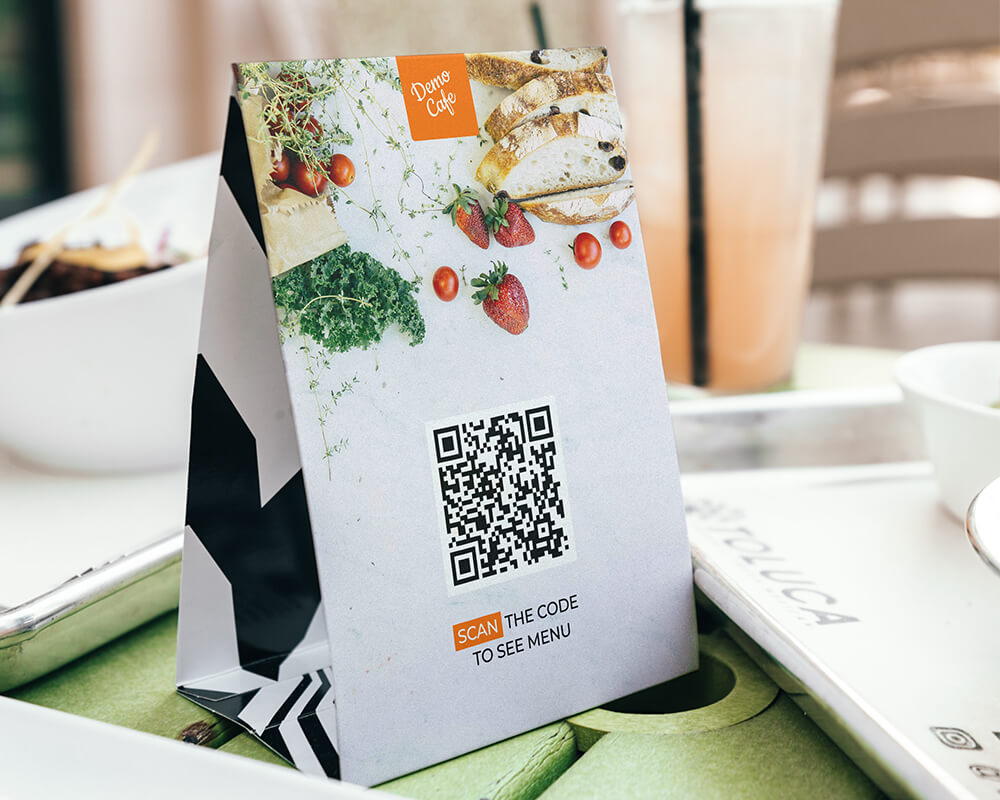
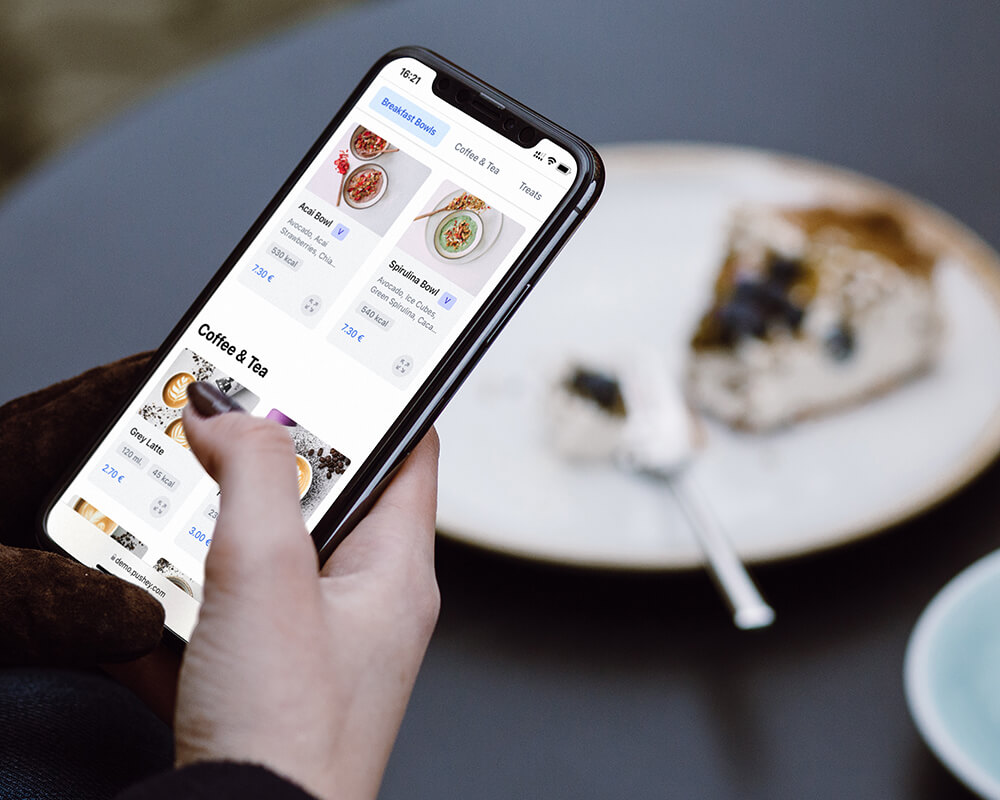
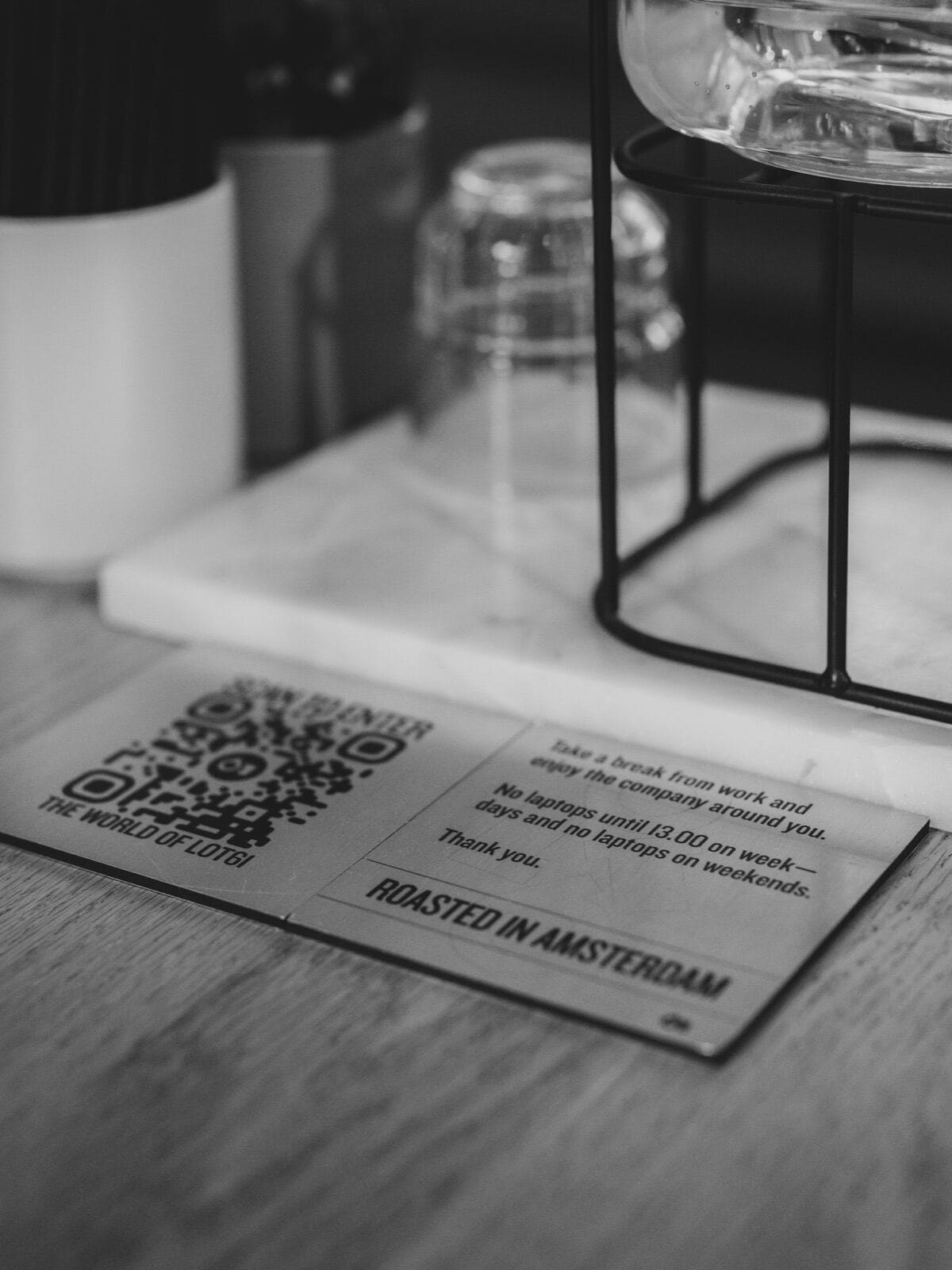
A QR code menu is a digital menu that guests open by pointing their phone camera at a small printed code on the table. The phone shows a link, the guest taps it, and the menu opens in the browser. No app, no account, no typing. The printed code never changes; only the menu behind it does.
How does a QR code menu work?
There are three parts: a menu page hosted online, a QR code that points to that page, and a print of the code on each table. When you edit a dish, a price or availability, the page updates instantly and every code keeps working.
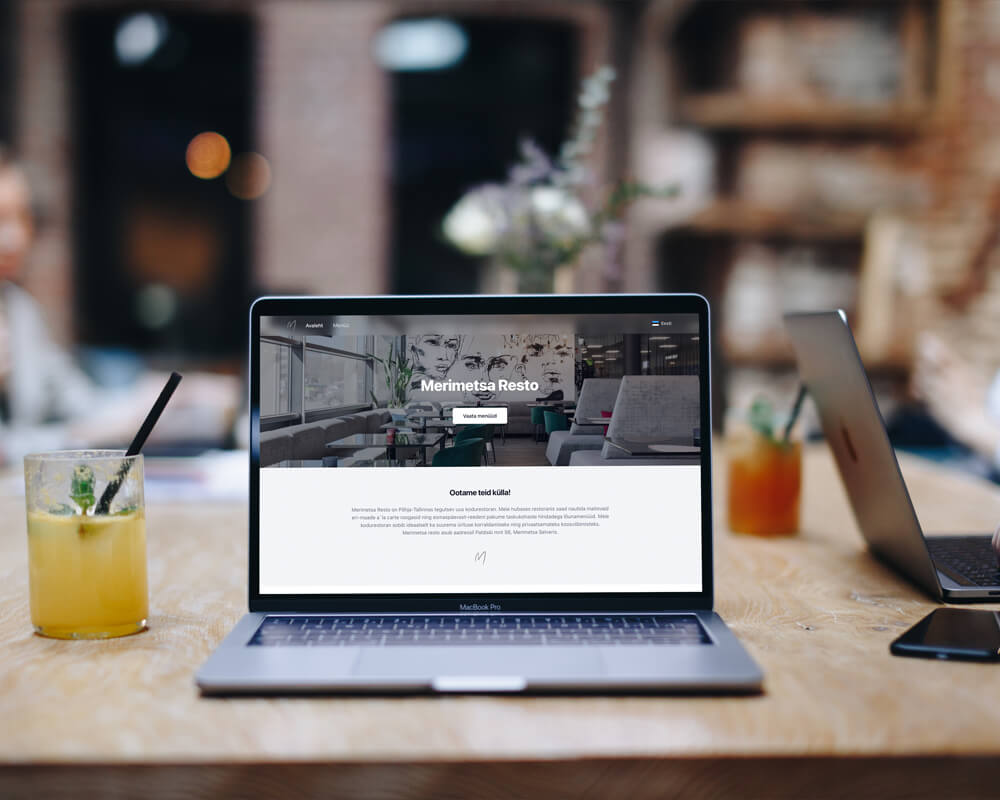
One important distinction: a QR code pointing at a scanned PDF is not a QR menu. A PDF loads slowly, forces guests to pinch and zoom, and can't switch languages. A real menu page is built for a phone screen, with categories, photos, allergen markings and translations.
What does it cost?
Do the comparison for your own restaurant. Reprinting 40 menus four times a year at 3 € per copy is around 480 € annually, plus the design time. A QR menu costs a few euros of printing once, and the software often costs nothing: Hollapp's Starter plan includes the QR menu for free, and paid menu tools mostly sit between 20 and 40 € a month on their public price lists.
Why do restaurants switch?
- The menu is always current. A sold-out dish disappears in one minute instead of being crossed out with a pen.
- Languages. One code serves the menu in every language your guests speak, which matters in any city with tourists.
- Allergen and diet information is visible without asking a busy waiter.
- Photos sell. A picture next to a dish answers the question guests actually have.
- Ordering can happen at the table. Optional, but where it's on, guests order a second drink without waving anyone down.
When is a paper menu better?
Honest answer: more often than QR vendors admit. When Toast surveyed 850 US diners in 2024, 81% said they prefer a physical menu, and only 1% named QR codes as their first choice. Read that number before printing codes for every table: the case for a QR menu is operational (always current, multilingual, cheap to change), not guest preference.
In candlelit fine dining, a phone screen breaks the atmosphere. If most of your regulars are older, a code can feel like a barrier instead of a convenience. And a dead phone battery reads no menus at all.
So the practical setup for most restaurants is both: codes on the tables, a few paper menus at hand, and staff who offer the paper version without being asked twice. Lead with whichever your actual guests reach for first.
| QR menu | Paper menu | |
|---|---|---|
| Price change | one edit, instant everywhere | reprint the stack |
| Languages | every language on one code | one print run per language |
| Guest preference (Toast, n=850) | 1% first choice | 81% prefer it |
| Cost per change | ~0 € | ~3 € per copy |
| Works with a dead phone | no | yes |
How to set one up in five steps
- Put the menu into a menu tool, not a PDF. Enter dishes with names, descriptions and prices, grouped in the categories guests expect.
- Add translations and allergen markings. This is the step that pays off daily; do it once, properly.
- Generate the codes. One general code works; per-table codes also tell the kitchen where an order comes from if you enable ordering.
- Print and place. At least 3 x 3 cm, on a stand or firmly glued, one per table. Glossy lamination reflects evening light and breaks scanning, so choose matte.
- Test the whole path. Two different phones, one older device, mobile data instead of wifi, and the darkest corner of the room. Then watch one real guest use it without helping them.
Mistakes that undo the benefit
- A PDF behind the code. Guests give up after the second zoom.
- Codes printed too small or placed flat where glasses cover them.
- Removing every paper menu on day one.
- Forgetting the digital menu exists: assign one person to update it whenever the kitchen changes something.
The short version
If you are weighing up the free tools first, here is what the free tiers actually cap and when paying nobody is the right call.
A QR code menu is a link on the table. It wins on being current, multilingual and cheap; paper wins on ritual and for guests who prefer it, so keep a few copies around. Set it up once, test it like a guest, and the reprint bin stays empty.